iUI and the iPhone
Tuesday, 09 December 2008
My employer recently purchased a set of iPhones from AT&T for those in the workforce that have a need for such a thing. One of our first priorities was getting our rolodex accessible (read only) from the road. The main problem is that the data is in a restrictive, old school database. Until we can find time to move it into a more open platform I did the following:
- Set up a routine for dumping the rolodex into a flat xml file monthly
- Coded the searching of the the data using PHP and SimpleXML
- Coded the cookie management (sessions) and most important, a “remember me” feature (because Safari doesn’t remember passwords on the iPhone)
- Found this lovely library for creating iPhone compatible user intarfaces via the web (read, looks like a native app): iUI (User Interface Library for Safari development on iPhone)
Checkout the screenshots:
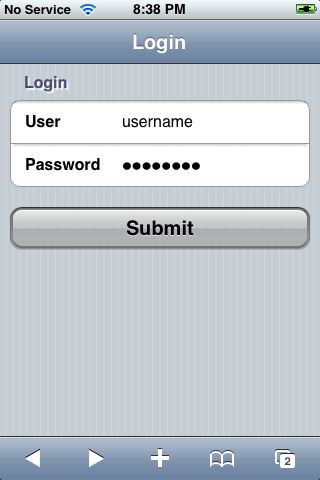
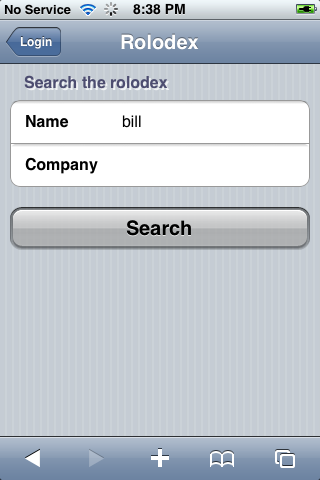


It’s pretty cool, because if the contact in the rolodex has a telephone number, address, email address, or webpage associated with them, the data will be displayed and linked to iPhone friendly functions… For example, the telephone number, when clicked on will provide a call button. An address clicked on will link to the built in maps app. Email links open up directly in the built in mail app. Finally, of course, webpages openup in Safari.
So here’s for getting the world more connected… one app at at time.
